Solar Charge Controller
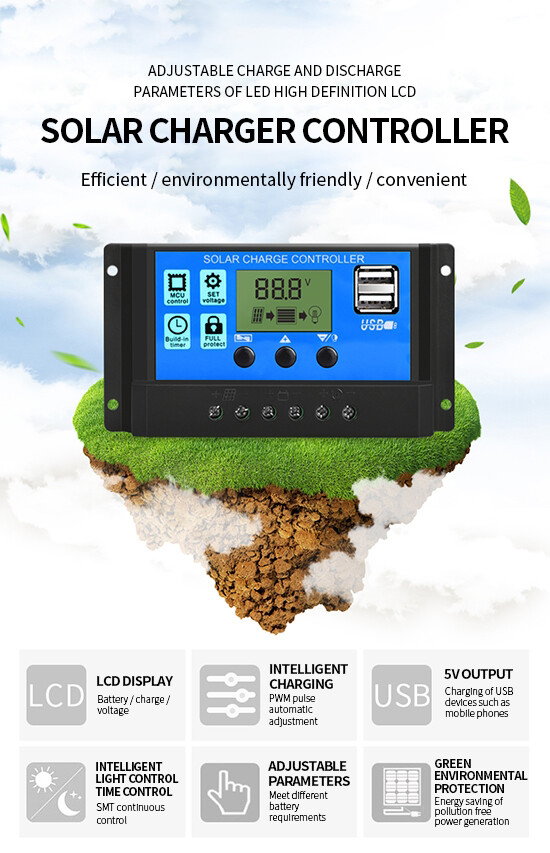
12V / 24V PWM 30A Battery Solar Charge Controller
₦15000
- SKU: JYY57FJK
- Shipping:
Learn More
- Watch Video on how to use: https://www.youtube.com/watch?v=S9-xOMrHTGg
- 1. Connect the positive and negative electrodes of the livestock battery into the controller according to the diagram, and the controller will automatically detect the voltage of the livestock battery.
- 2. Connect the positive and negative poles of the load into the controller according to the diagram, and be careful not to connect them in reverse
- 3. Connect the solar panel to the controller as shown in the figure.
- Note: please connect in strict accordance with the above order, otherwise the controller may be damaged,
- The disassembly sequence is opposite to the wiring sequence.
- Setting parameters
- In the interface 2-5, long press the up key for 5 seconds to restore the default value.
- Press and hold the menu key for 5 seconds to enter the manual setting. At this time, the number will flash,
- Press the up and down keys to adjust the parameter value, and then press the menu key for 5 seconds to exit the setting
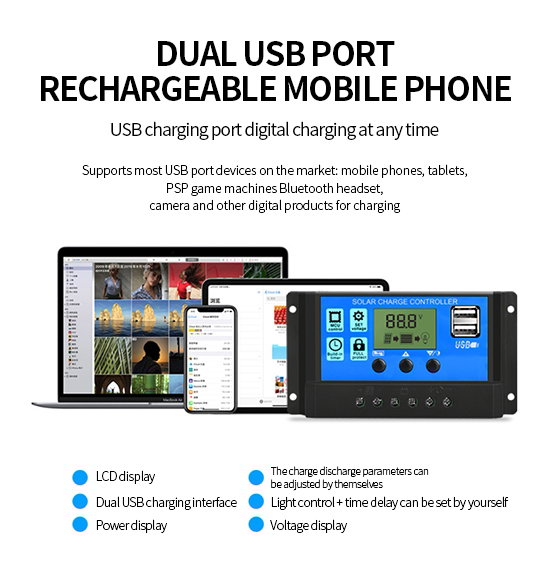
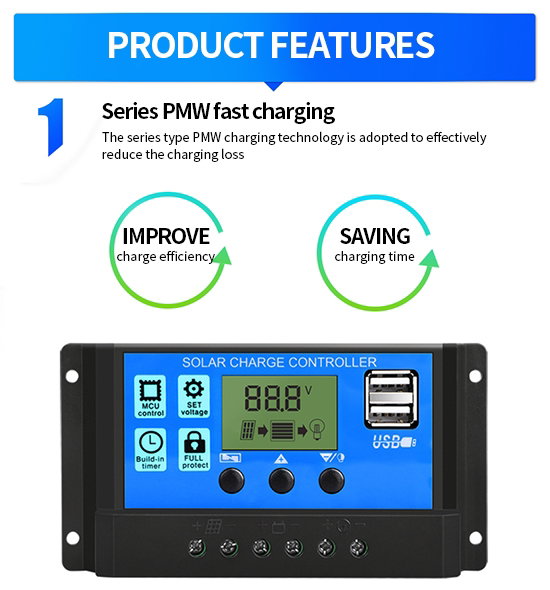
Note: 1. Main interface 1. Press the flip key alone to turn on / off the load.
2. Interface 5 load working mode: [24h] load normally open mode
Key Features
IKindly note Max Solar Panel input power: 390W with 12V Battery and 780W Solar Panel with 24V battery
- Watch Video on how to use: xOMrHTGg
- Application:Charger Controller
- Maximum Current:30A
- is_customized:Yes
- Model Number:Solar Charge Controller
